How to Use Ourdream AI
We appreciate that getting started with Ourdream AI is designed to be straightforward, even for those who are not particularly tech-savvy.
The Step-by-step Process
Let’s walk you through how the process goes like from creating your account to experiencing the best the platform has to offer. So basically, this is what you do:
Step 1: Create Your Account
Visit the Ourdream AI website and click the sign-up button. There’s not much information needed: you’ll need to provide an email address, create a password, and verify that you’re 18 or older. You can also choose the option to sign up through Discord for a more streamlined process.
Step 2: Choose a Plan
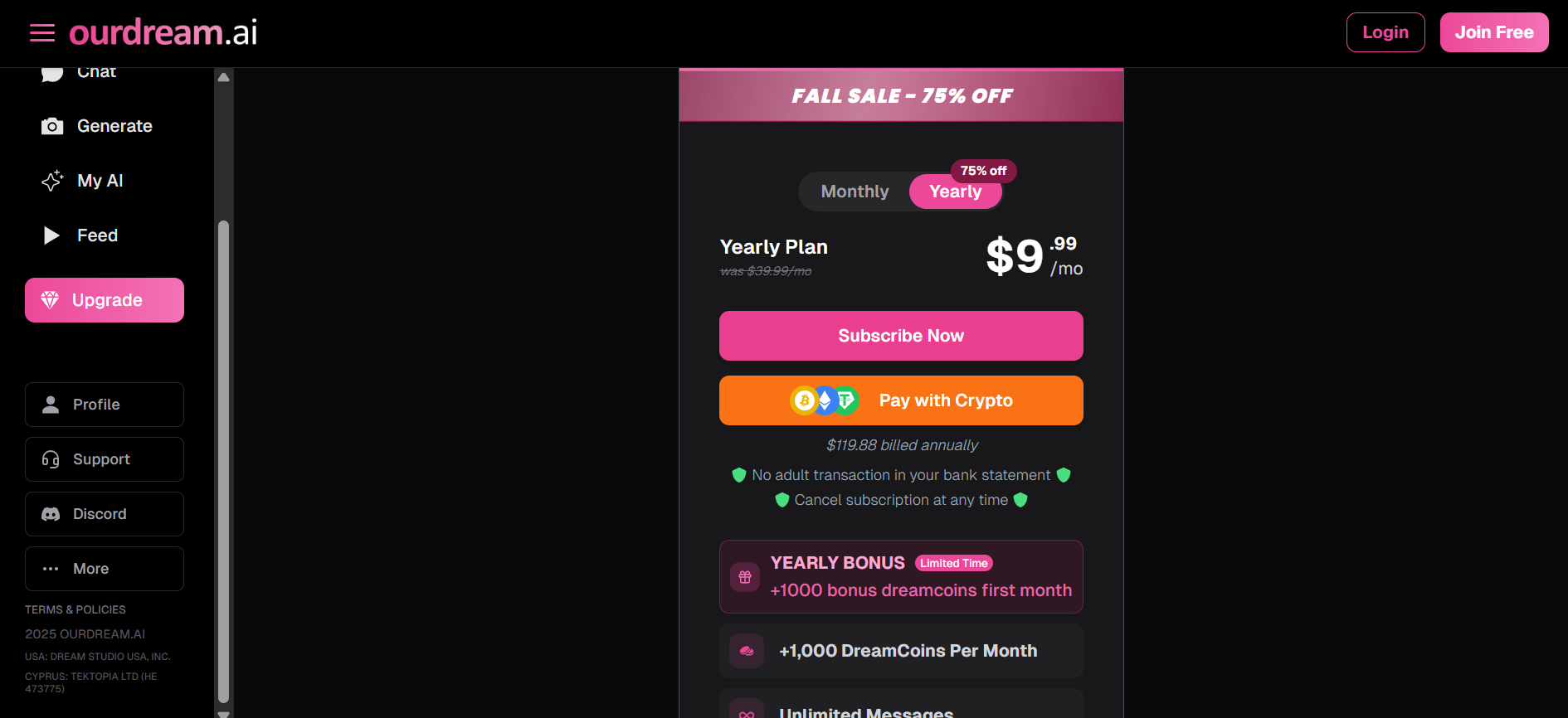
After creating your account, you’ll be prompted to select between the free plan and premium options. The free plan gives you a taste of what the platform offers with limited features, while the premium plan unlocks the full experience. We’ll dive deeper into pricing later in this Ourdream AI review.
Step 3: Explore Pre-Made Characters or Create Your Own
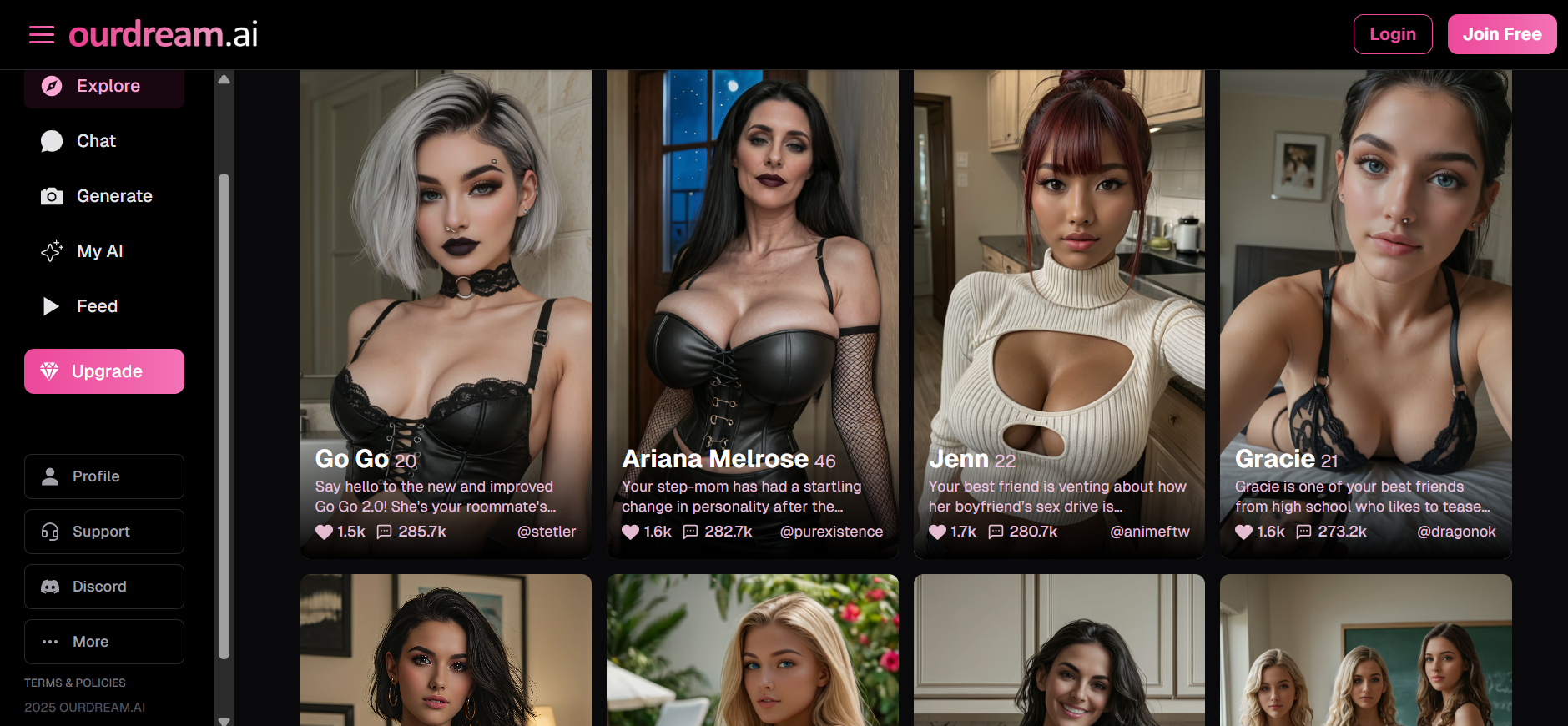
As many say, this is where the fun begins. You can browse through thousands of community-created characters, filtering by style, personality traits, appearance, ethnicity, age, body type, and content rating.
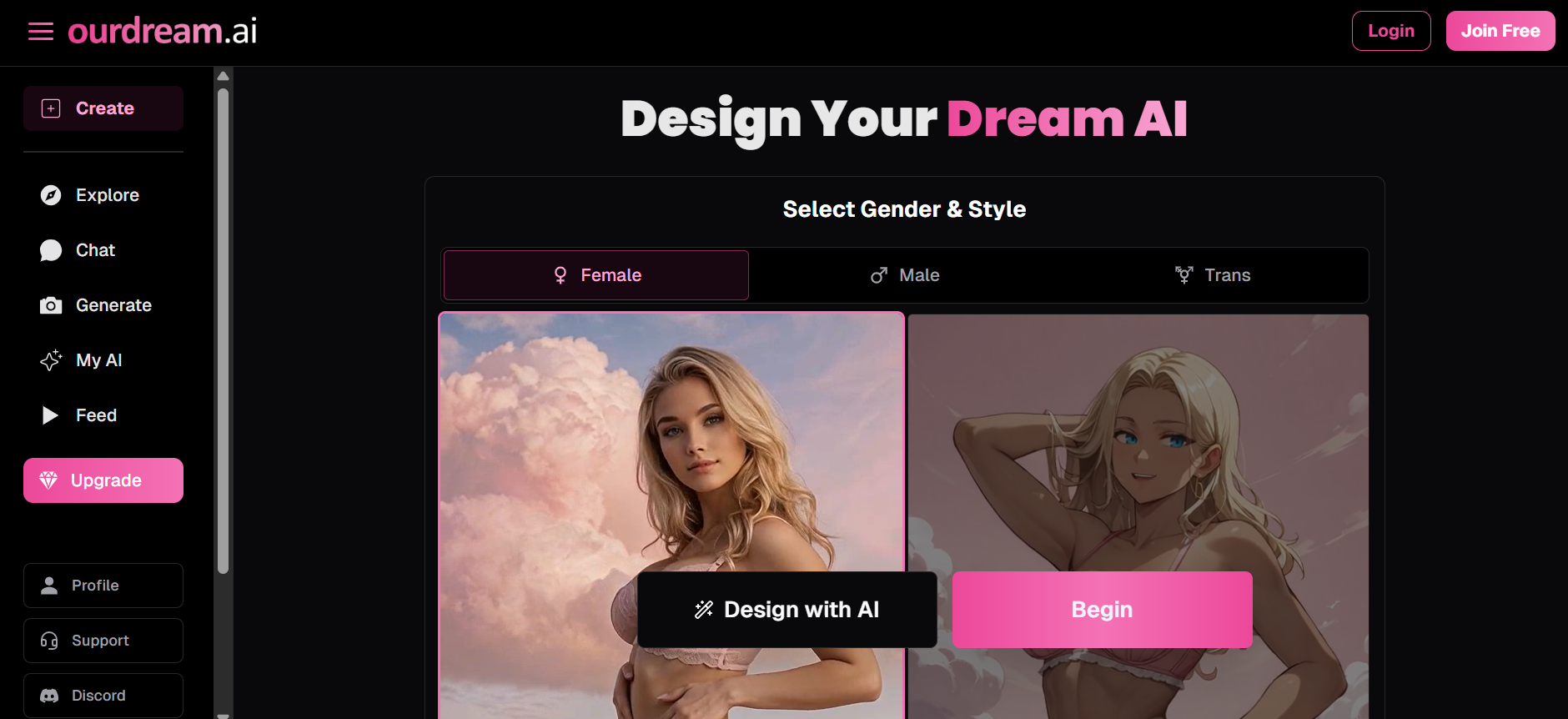
If you prefer something unique, use the character creator to design your ideal companion. Customize physical attributes such as hair color, eye color, body type, facial features, and clothing. Then move on to personality sliders, selecting traits such as playful, serious, dominant, submissive, intellectual, adventurous, mysterious, or caring.
And don’t stop there: you can also assign a relationship role, set their occupation, speaking style, voice type, and even add tattoos, piercings, or other distinguishing features.
Step 4: Set Interaction Preferences
The AI companion includes unique controls that let you fine-tune your experience. The “lust level” slider determines how quickly interactions can turn intimate, giving you control over pacing. Response length settings let you choose between brief replies or more detailed conversations. The memory pin feature allows you to highlight important information your companion should remember for future chats.
Step 5: Start Chatting
Once your companion is ready, dive into conversation. The AI responds based on the personality and parameters you set, maintaining character consistency while adapting to your communication style. You can engage in casual chat, deep discussions, creative roleplay, or more intimate exchanges, depending on your preferences and settings.
Step 6: Generate Media Content
As you chat, you can request images, GIFs, or videos of your companion. This costs DreamCoins, but it adds a visual dimension to your interactions. Images cost 10 tokens, videos range from 100 to 300 tokens depending on length, and voice messages or calls also require tokens.
Step 7: Build and Evolve the Relationship
Over time, the AI’s memory system tracks your conversations, preferences, jokes, favorite topics, and shared “experiences.” This creates continuity, making each interaction feel connected to previous ones and giving the illusion of relationship progression.
The process is intuitive enough that most users can jump in without extensive tutorials; however, exploring all the customization options might take some time.
Try Ourdream AI and experience the platform yourself.
Ourdream AI Login and Sign UP
The platform’s login and sign-up process mirrors exactly what you’d expect from a modern web platform. Signing up is free and takes just a few minutes. You can register using your email or, for faster access, through Discord integration.
After initial signup, logging in is straightforward through the Ourdream AI website. Your account stores your created characters, conversation history, token balance, and subscription status. The dashboard is organized into clear sections: Create (for character design), Explore (to browse community characters), Chat (active conversations), Generate (for media creation), and Profile (account management).
One nice touch is that the platform remembers your login on trusted devices, so you don’t need to re-enter credentials every time you visit. However, if you’re using a shared device, make sure to log out to protect your privacy.
The Ourdream AI login experience is clean and doesn’t involve captchas or excessive verification steps, which keeps things moving smoothly.
Create your Ourdream AI account and start exploring today.
Ourdream AI App
When it comes to mobile access, this is one area where Ourdream AI has room for improvement.
As of this writing, there is no dedicated Ourdream AI app for iOS or Android in their respective app stores. However, the platform is fully accessible through mobile web browsers, and the responsive design is optimized for smartphones and tablets.
The mobile web experience maintains most of the functionality you’d get on desktop, including character creation, chat, and media generation. The interface adapts well to smaller screens, making navigation intuitive even without a native app.
Some users have asked about an Ourdream AI apk for Android, but downloading APK files from unofficial sources comes with security risks and isn’t recommended. For now, accessing Ourdream AI through your mobile browser remains the safest and most reliable option.
It’s quite unfortunate that you won’t get push notifications when your AI companion sends messages, but that also means one less app taking up storage on your device.
Access Ourdream AI now on any device through your browser