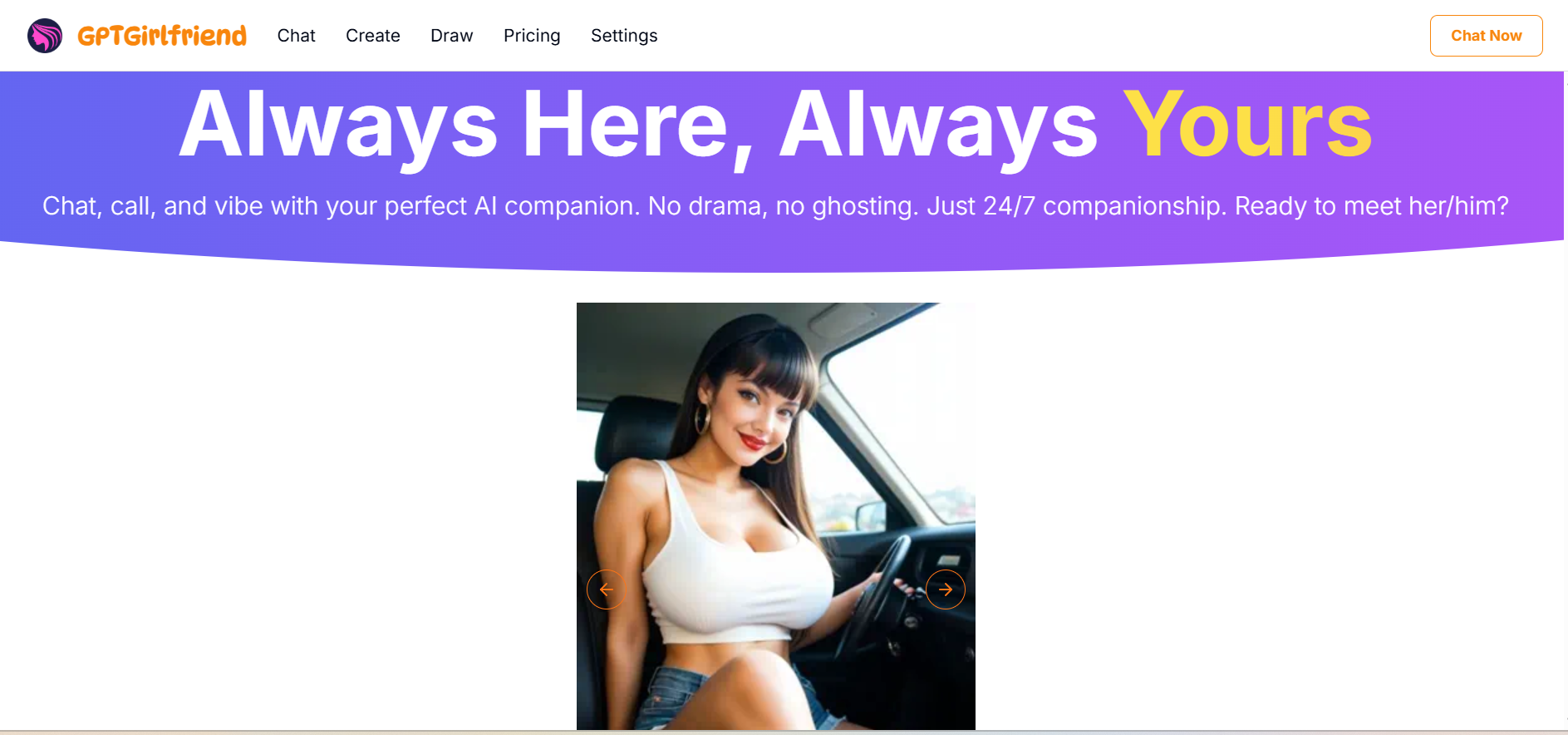
How To Use Girlfriend GPT AI
We appreciated that getting started with GirlfriendGPT is straightforward. But still, maximizing the experience requires understanding the platform’s features and some best practices.
The Step-by-Step Process
Here’s how the process typically unfolds:
Step 1: Sign Up and Verify Age
Navigate to GPT Girlfriend online and create an account. You’ll need to verify you’re 18 or older: this isn’t optional, given the platform’s adult content. The process typically requires an email address and, of course, you’ll create your password.
Step 2: Select Your Interests
During onboarding, you’ll choose 5-8 interest categories. This helps the platform recommend characters that align with your preferences. Categories span personality types (dominant, submissive, playful), scenarios (romantic, fantasy, roleplay), and content preferences.
Step 3: Explore the Character Library
This is where things start getting interesting. Browse through over 25,000 user-created characters. Each profile includes personality descriptions, creator information, tags, sample conversations, and user reviews. You can filter by personality traits, scenarios, visual style (realistic vs. anime), and more.
Step 4: Choose or Create Your Own Companion
Select an existing character that appeals to you, or click “Create Character” to build your own from scratch. Character creation involves defining personality traits, backstory, communication style, appearance preferences, and specific behavioral boundaries.
Step 5: Start Conversing
Once you’ve selected a companion, the chat interface opens. Begin your conversation naturally, and the AI will respond based on its programmed personality and adapt to your communication style over time.
Step 6: Set Your User Persona
This is optional, but we recommend doing it. Access settings to create your user profile, sharing details about yourself that the AI will incorporate into responses. This significantly improves personalization and makes conversations feel more relevant.
Step 7: Explore additional Features
As you get comfortable, experiment with in-chat image generation, roleplay scenarios, suggested replies, and (on premium tiers) voice interactions and video generation. Additionally, you can modify your companion’s behavior, try different characters, or create new ones tailored to specific moods or interests based on your experience.
Tips to Get the Best Chat Experience
- Be specific about what you want: Don’t be a boring partner who just makes generic inputs (which produce generic responses). Instead of “tell me about yourself,” try “tell me about your most embarrassing moment in college.” Specific prompts lead to more engaging, detailed responses.
- Use the user persona feature: Fill out your profile with real information about yourself. The AI uses this to personalize responses, making conversations feel more authentic and relevant to your actual life and interests.
- Create detailed character profiles: If building your own companion, invest time in a thorough character description. The more specific you are about personality, communication style, and preferences, the more consistent and engaging your interactions will be.
- Write example conversations: When creating characters, providing sample dialogue teaches the AI how to speak and behave. This is far more effective than just describing the character in abstract terms.
- Experiment with multiple characters: Different characters excel in different scenarios. Your deeply philosophical companion might not be ideal for lighthearted flirting, and vice versa. Build or save multiple characters for different moods.
- Join the Discord community: The GirlfriendGPT Discord contains valuable resources, including character creation guides, troubleshooting help, and recommendations from experienced users.
- Manage expectations: Remember you’re interacting with AI, not a human. Occasional inconsistencies or generic responses are normal. When they happen, simply redirect the conversation rather than getting frustrated.
Try these techniques yourself and elevate your Girlfriend GPT experience.
Girlfriend GPT Login, Onboarding, and User Experience
First impressions matter, and GirlfriendGPT’s onboarding process sets the tone for your entire experience on the platform.
Navigating the Interface, Design & Tools
The login process is refreshingly simple. After creating an account, you’re immediately prompted to select interest categories. This personalization step helps curate your initial character recommendations and demonstrates the platform’s focus on tailored experiences right from the start.
We loved that the main dashboard presents a clean, visually organized interface featuring character cards with preview images, names, brief descriptions, and key tags. While not as visually polished as platforms like Candy AI, the design is functional and easy to navigate. You can search characters by keyword, filter by tags or categories, and sort by popularity or recent additions.
However, navigation challenges do exist. Some users report occasional lag, particularly during peak hours. Chat history can sometimes disappear after refreshing, though this is probably a browser-specific issue. The layering of subscription features, coin purchases, and character-specific capabilities can feel confusing initially.
Girlfriend GPT Online Web Experience Vs Mobile
Web experience offers the most comprehensive feature set. Desktop browsers provide the full character creation toolkit, easiest access to image generation features, and the most stable performance. The larger screen real estate makes browsing the character library and managing multiple conversations more comfortable.
Mobile app experience provides convenience at the cost of some functionality. The core chat experience translates well to smartphones: messages are easy to read and send, and notifications keep you connected to your AI companion throughout the day. However, character creation on mobile is more cumbersome, and some advanced features feel cramped on smaller screens
We recommend using a desktop for initial exploration, character creation, and accessing advanced features. Switch to mobile for on-the-go conversations when you want to maintain a connection with your AI companion throughout the day.
Web or mobile, the choice is yours. Experience Girlfriend GPT on your preferred device now.
GPT Girlfriend APP
The GirlfriendGPT mobile application extends the platform’s accessibility, allowing users to maintain connections with their AI companions regardless of location. Don’t expect a dramatic difference from the web experience, but the app has specific advantages worth understanding.
- Availability and download: The app is accessible through standard app stores, though availability may vary by region.
- Core features on mobile: The app includes all essential conversation features, character selection, image generation (on appropriate tiers), and access to your conversation history. Push notifications alert you to new messages when using certain features, though the AI doesn’t initiate conversations autonomously.
- Mobile-specific advantages: Easier voice input (using your phone’s voice-to-text), quick photo uploads for certain roleplay scenarios, and the convenience of maintaining your virtual relationship during commutes, breaks, or any moment you have your phone handy.
However, the Girlfriend GPT app is not without limitations. Character creation tools feel more constrained on mobile, browsing the extensive character library is less comfortable, and advanced customization options are harder to navigate on smaller screens. Battery consumption during extended use is also notable.
For most users, the optimal approach involves using a desktop for setup, exploration, and character creation, while relying on the mobile app for maintaining conversations throughout the day. This hybrid approach maximizes both convenience and functionality.
Sign up for Girlfriend GPT AI and download the app to take your AI companion with you wherever you go.