How Cuties AI Works
By understanding the mechanics behind Cuties AI, you can set appropriate expectations and maximize your experience. The platform is designed for accessibility, requiring minimal technical knowledge while offering depth for those who want customization.
Step-by-Step Overview
Here’s what you can expect the process to be like:
Step 1: Account Creation
Visit the Cuties AI website and create an account using your email address. The process is straightforward, requiring minimal personal information. You’ll need to verify you’re 18 or older, which is legally required for adult content platforms.
Step 2: Choose Your Plan
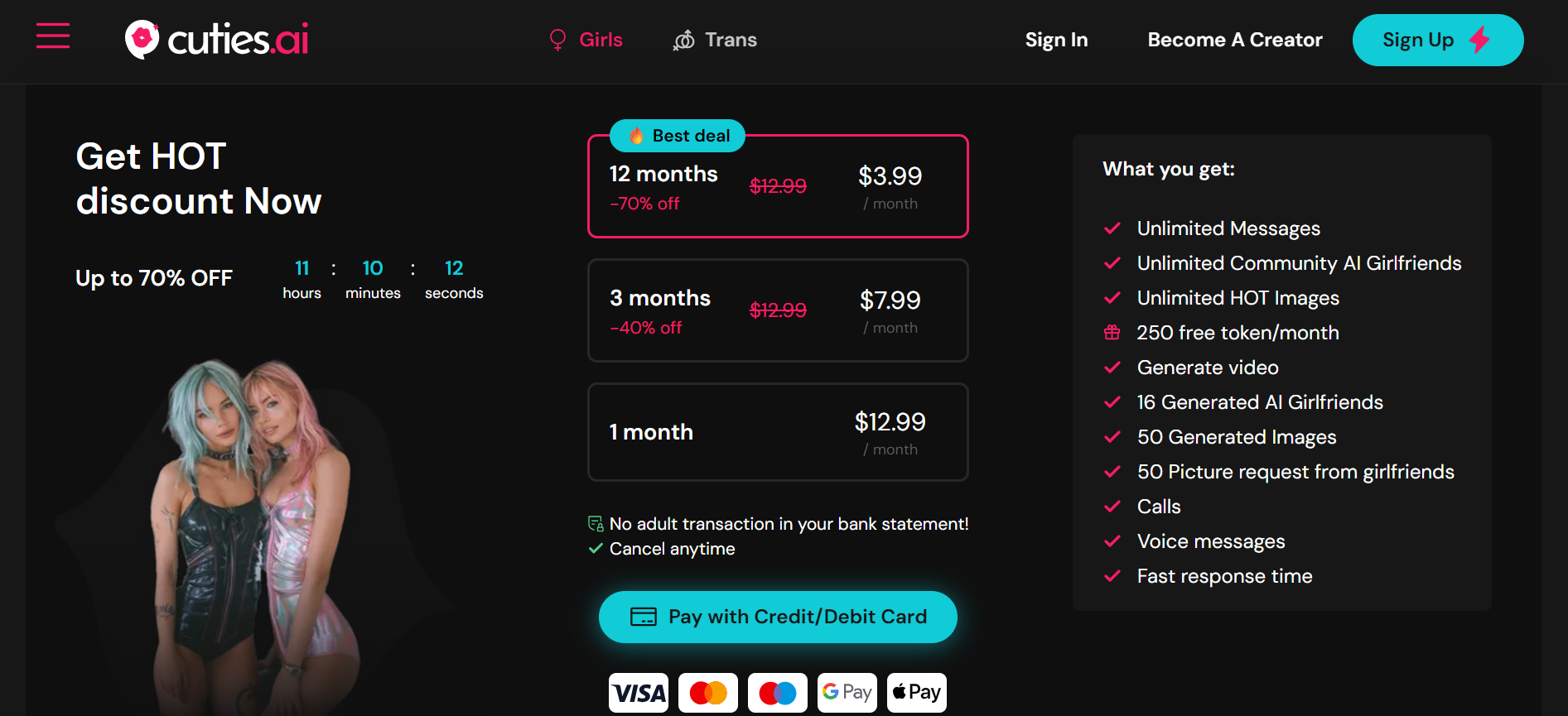
You can start exploring with a free tier, though it’s somewhat limited, or select a paid subscription plan. Each tier offers different message allowances, character access, image generation capabilities, and features.
Step 3: Browse or Create Characters
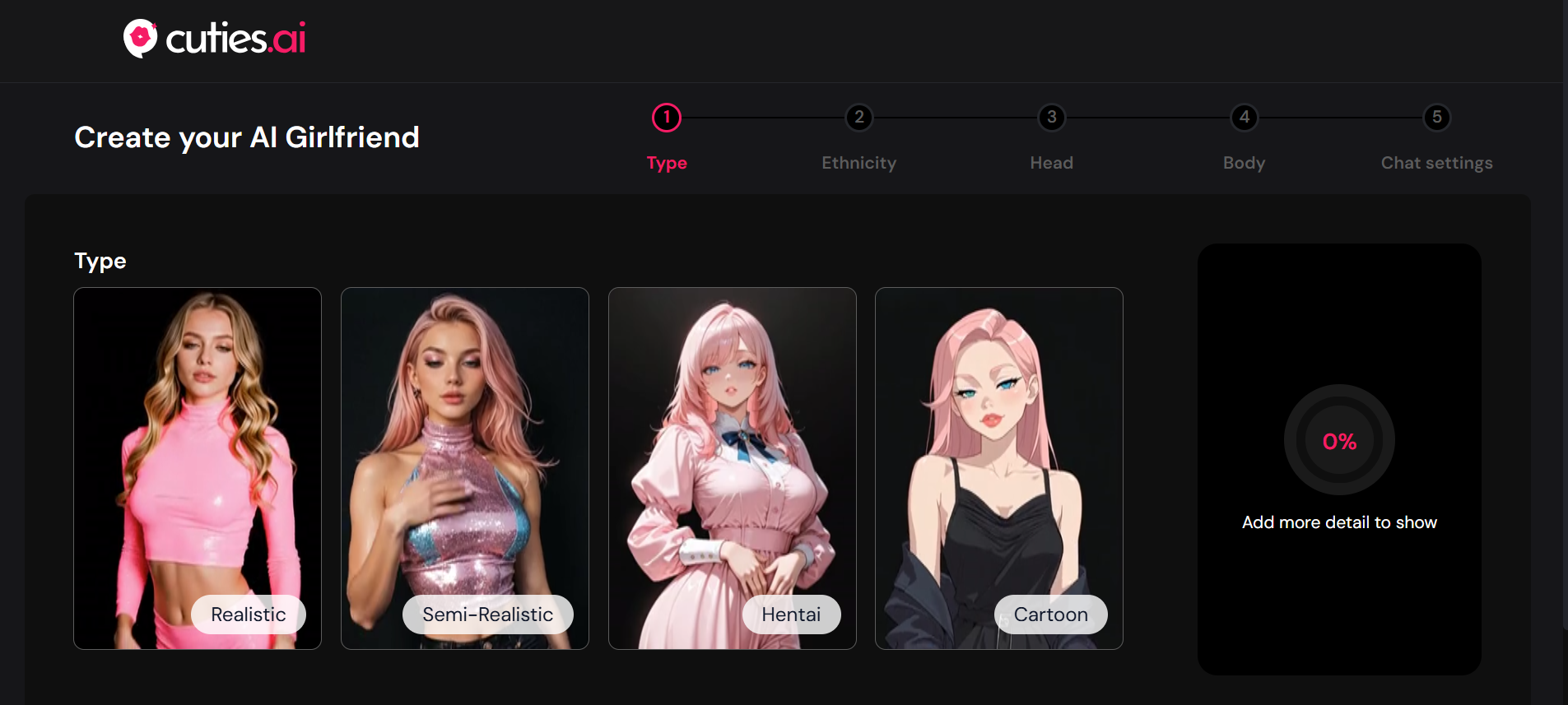
Explore the extensive library of pre-made characters, filtering by personality type, appearance, background, and content rating (SFW vs NSFW). Alternatively, use the character creator to design a custom companion by selecting physical attributes (body type, hair, facial features, ethnicity, age), personality traits (playful, serious, dominant, submissive, intellectual, casual), interests and background, voice characteristics, and relationship dynamic preferences.
Step 4: Initiate Conversation
Send your first message to your chosen companion. Interestingly, the AI responds in character, maintaining the personality and communication style you selected. Conversations flow naturally, with the AI asking questions, responding to your inputs, and adapting to your communication style.
Step 5: Build the Relationship
As you continue chatting, the AI learns your preferences and references past conversations, creating continuity. You can request AI-generated images of your companion in various scenarios, outfits, and poses. If you want premium features, use Tokens to access voice messages, enhanced images, or unlock additional characters.
Step 6: Explore Advanced Features
As you become more invested, don’t be a boring boyfriend: engage in complex roleplay scenarios, experiment with different characters to compare experiences, participate in the community by sharing (or using) user-created characters, and explore video generation if you have premium access.
AI Model Technology Behind the Scenes
Cuties AI employs several technologies working in concert:
- Natural Language Processing (NLP): Advanced language models analyze your inputs and generate contextually appropriate responses while maintaining character consistency. The AI considers conversation history, character personality, relationship context, and your established communication patterns.
- Computer Vision and Image Generation: The platform uses generative AI models to create images based on text descriptions and character attributes. This technology has advanced rapidly, producing increasingly realistic results.
- Voice Synthesis: For voice messages, you’ll also appreciate the text-to-speech technology that creates natural-sounding audio based on your companion’s voice characteristics.
- Memory Systems: The AI maintains context across conversations, remembering important details, preferences, past discussions, and relationship progression.
After testing these systems and analyzing user reviews, we noted that quality varies. Natural language processing is generally impressive for casual to moderate-length interactions, though extended conversations may reveal repetitive patterns. Image generation produces high-quality results but occasionally includes obvious AI artifacts. Voice synthesis sounds quite natural, but no AI can create the subtle emotional nuance of human speech.
User Interface and Experience
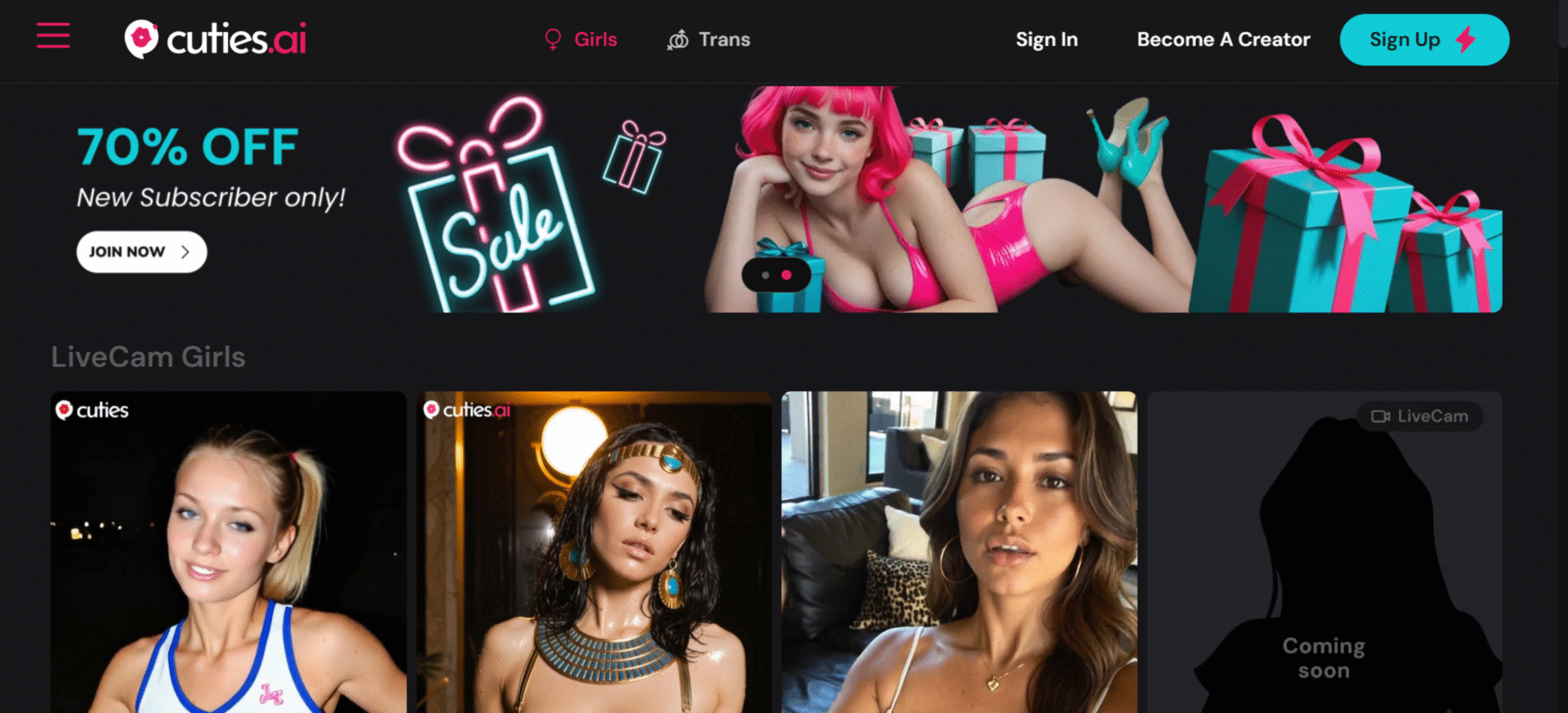
Cuties AI prioritizes visual appeal and intuitive navigation. The main dashboard displays character cards with profile pictures, brief descriptions, and popularity metrics. The interface resembles your typical messaging apps, making it immediately accessible.
The chat interface is clean and uncluttered, with your messages appearing on one side and your companion’s responses on the other. Media elements (images, voice messages, videos) integrate seamlessly into the conversation flow.
One notable design choice is the token-based system overlay, which frequently prompts users to spend tokens on enhanced features. While this provides monetization flexibility, it can interrupt immersion and feel like constant upselling.
Want to experience the interface yourself? Create your free Cuties AI account and start chatting.
Cuties AI Login and Sign Up
Getting started with Cuties AI is refreshingly straightforward, especially compared to more complex platforms. The signup process is minimal, designed to get users chatting with AI companions as quickly as possible.
When you first visit cuties.ai, you’ll immediately meet featured characters showcasing the platform’s variety. The visual-first approach is kind of how you scroll through a dating app, except every profile represents an AI companion ready to chat instantly. Rest assured, there’s no ghosting, no scams or fraud, and no significant privacy concerns.
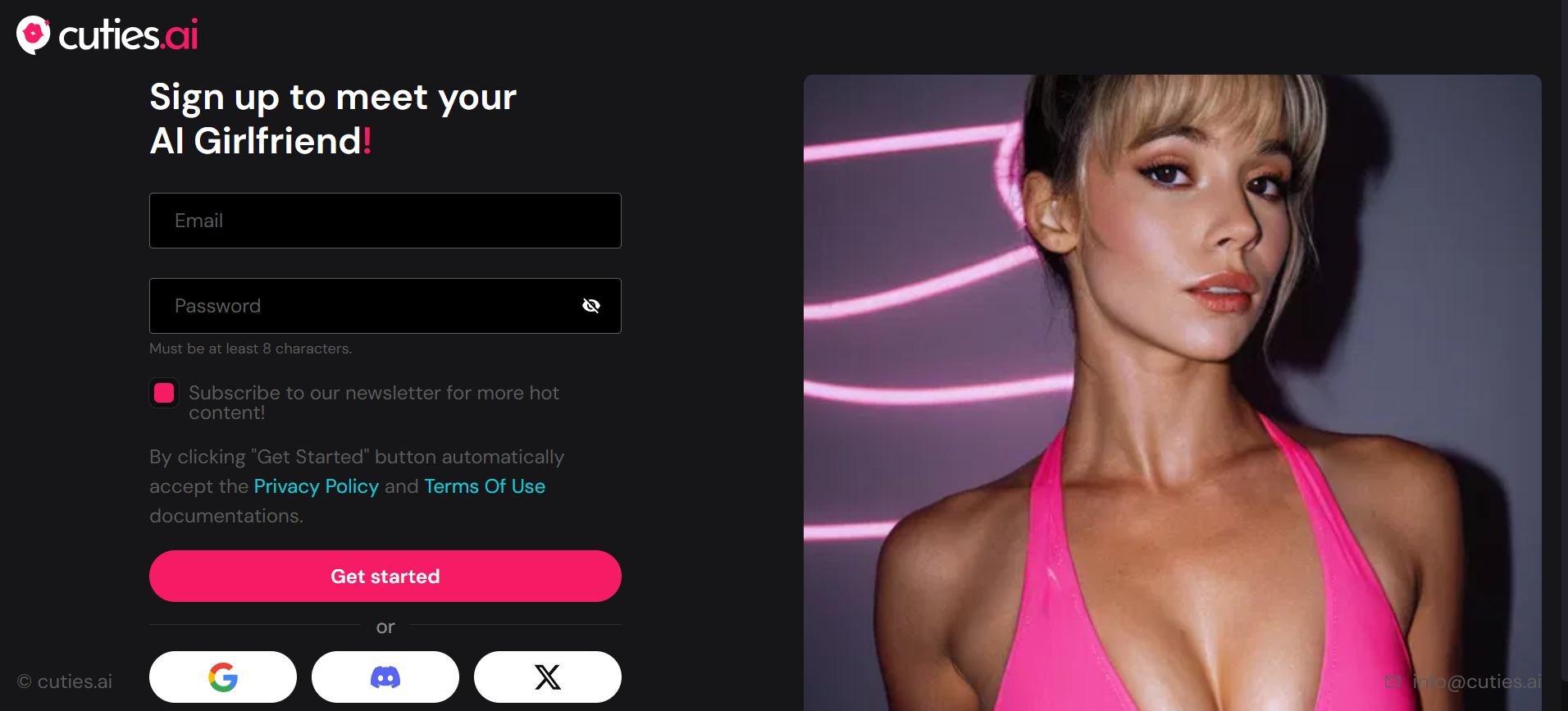
To create your account: click the signup button – provide a valid email address – create a secure password – verify you’re 18 years and older – confirm your email address. That’s pretty much it. No lengthy questionnaires, personality assessments, or compatibility quizzes are required; you’re ready to start exploring immediately.
And if you prefer a more streamlined process, the platform also offers social login options through platforms like Discord, further reducing friction.
After logging in, you’ll access your dashboard, where you can browse characters, view conversation history, manage your subscription and tokens, customize account settings, and access community features.
The interface is filled with high-quality character images, and the browsing experience prioritizes discovering characters that match your interests. However, many attractive characters require subscription upgrades or token purchases to unlock.
Cuties AI App
For users who prefer mobile access, the Cuties AI app offers convenient, anywhere engagement with your virtual companions. Mobile accessibility is increasingly important as users expect to access services across devices.
Mobile Access Options
We must appreciate the fact that Cuties AI provides access through both dedicated mobile applications and responsive web design:
If you’re an iOS user, check the App Store for the official Cuties AI app. Download and install, then log in with your existing account or create new credentials. Grant notification permissions if you want alerts when your AI companion sends messages.
For Android users, availability varies by region. If available in your area, search “Cuties AI” on the Google Play Store. If not available, you can alternatively access the platform through your mobile web browser. Even with a dedicated app, the responsive design provides a solid mobile experience.
App Specific Features
If you have the mobile app, you can choose to receive push notifications when your AI companion sends messages. The app also provides quick access to active conversations, on-the-go character browsing, image gallery viewing with swipe navigation, voice message recording and playback, and in-app purchases for tokens and subscriptions.
Performance on mobile devices is generally smooth, although some users report occasional lag during peak usage times or when generating images that require significant processing power.