



 Tinder
3.9
Tinder
3.9
Tinder is a fast-paced dating app that helps singles meet through swipe-based matching, offering everything from casual chats to real relationship potential.
We all know what we’re here for: to find someone to help us eat an entire pizza and make questionable decisions, or maybe, just maybe, someone who actually replies to our texts within 24 hours. Dating apps have become the go-to way for modern connections, and the Tinder app is still the first name most people think of.
Tinder changed how people meet. It introduced the swipe, reshaped casual dating, and, depending on who you ask, either saved or ruined modern romance. With over 75 million monthly active users worldwide and a staggering 2 billion swipes happening every single day, the Tinder app has become more than just a dating platform; it’s practically a cultural institution.
But here’s the question that matters: With so many alternatives like Hinge, Bumble, and many more, is Tinder still worth your time, money, and emotional energy?
In this comprehensive Tinder review, we’ll explore everything from how the platform actually works to what it costs, who it’s really designed for, and whether the popular Tinder dating site can still deliver meaningful matches (or if you’d better wait for your match at a cafe). Whether you’re testing the waters again, building a fresh Tinder profile, or trying to figure out if this dating app still holds up today, this review will give you the answers you’re looking for.
Ready to get started? Sign up for Tinder today and see if the world’s most popular dating app can work for you.
After extensive testing and analysis of user experience and platform features, we’re giving Tinder an overall rating of 3.9/5. While it remains the most recognizable name in mobile dating, the platform shows both impressive strengths and notable weaknesses.
Tinder remains the most accessible and user-friendly dating app on the market, with an interface so intuitive that it’s become the industry standard. The dating site excels at what it was designed for: providing a fast, intuitive way to meet new people. The swipe mechanic is addictive (for better or worse), and the sheer volume of users means you’ll never run out of potential matches.
However, Tinder isn’t perfect. The platform’s reputation as a hookup app persists, and the gender imbalance, according to Tinder statistics, creates vastly different experiences for men and women. Premium features can feel somewhat pricey, especially when compared to competitors offering similar tools at lower costs.
If you’re looking for quantity, want a low-pressure introduction to online dating, or live in a densely populated area where location-based matching thrives, the Tinder app remains a solid choice. However, if you’re looking for serious long-term relationships or meaningful conversations, platforms like eharmony might better suit you.
Overall, Tinder dating site is still relevant, but it’s no longer the only game in town. Your mileage will vary dramatically based on your age, location, and what you’re actually looking for.
Get started with Tinder and see if it matches your dating goals.
Something fundamental has changed in how humans find romantic partners, and it happened faster than anyone expected. Just fifteen years ago, meeting someone through a dating app carried a stigma: an admission that you couldn’t find someone “the normal way.” Today, according to the Pew Research Center, online dating has become the second most common way couples meet, trailing only introductions through friends.
The numbers tell a striking story. The global dating app market generated approximately $6.18 billion in 2024, with projections suggesting it will exceed $13 billion by 2030. As of 2025, over 364 million people worldwide use dating apps, with Tinder leading with 75 million monthly active users.
But this shift comes with complications. The abundance of choice can be paralyzing. The gamification of dating through swipes and matches can feel dehumanizing. And the algorithms that promise to find your perfect match sometimes feel more interested in keeping you engaged than actually helping you find love.
Most of us grew up knowing romantic connections happened through proximity and social networks. You married someone from your village, your school, your workplace, or your friend group. Your parents might have had a say. Matchmakers in certain cultures facilitated introductions. The dating pool was limited by geography and social circles, and meeting someone new required real-world interaction.
The internet changed this gradually. Early dating sites like Match.com brought dating online, but still relied on desktop computers and lengthy questionnaires. You’d spend an hour filling out compatibility surveys, then exchange carefully crafted emails before maybe, eventually, meeting in person.
Then came smartphones and Tinder in 2012. Suddenly, dating wasn’t something you did at your computer after work. It was something you could do anywhere: on the bus, in line at the grocery store, during commercial breaks. The swipe interface (right to like, left to pass) reduced the process to its most basic element: instant judgment based primarily on appearance. This wasn’t necessarily worse, but it was undeniably different.
For millennials and Gen Z, mobile-first isn’t just a preference; it’s an expectation. These users demand instant gratification, seamless user experiences, and the ability to multitask their romantic lives alongside everything else they manage on their phones. Desktop dating sites feel clunky and outdated by comparison.
But convenience isn’t the only draw. Dating apps solve several practical problems:
Tinder’s early reputation was clear: it was for hookups. The app’s design: photo-first, minimal bios, emphasis on physical proximity, seemed engineered for casual encounters rather than lasting relationships. And plenty of people used it exactly that way.
But something interesting happened over the years. As Tinder’s user base expanded and diversified, so did the intentions of its users. Today, you’ll find people looking for everything from one-night stands to long-term partners on the same platform. The app that once defined hookup culture now hosts a much broader spectrum of relationship goals.
This creates both opportunity and frustration. On one hand, the platform’s flexibility means it can accommodate whatever you’re looking for. On the other hand, the lack of clear signaling about intentions means you might match with someone who wants something completely different from you.
Interestingly, research shows that 61% of people nationally believe relationships that begin on dating sites or apps are just as successful as those that begin with people who meet in person. The platform matters less than the people involved and the effort they put in.
Try Tinder for yourself and see how its approach to matching compares to your previous dating experiences.
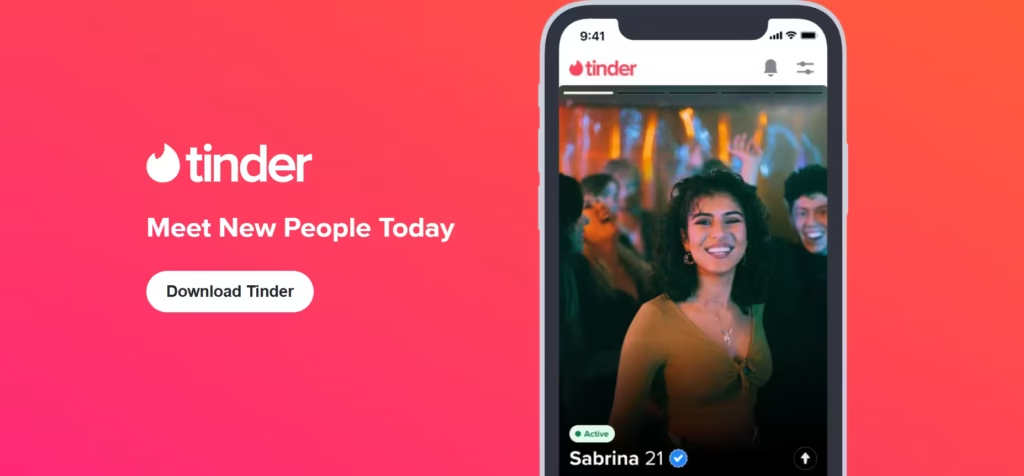
You already know, but let’s add some depth… At its core, Tinder.com is a location-based mobile dating application that connects people based on mutual interest and geographic proximity. Launched in 2012, it pioneered the now-ubiquitous “swipe” interface that has become synonymous with modern dating culture.
You basically create a profile with photos and a brief bio, then the app shows you profiles of other users in your area. You swipe right if you’re interested, left if you’re not. If both people swipe right on each other, it’s a match, and you can start messaging. Simple, intuitive, and remarkably effective at scale.
The app is available in 190 countries and uses location-based proximity matching, where users can connect with potential partners in their vicinity. This geographical element means Tinder works best in densely populated areas where there’s a constant supply of new profiles. In smaller towns or rural areas, the experience can be quite different: you might quickly exhaust the local pool of potential matches.
Tinder was created by Sean Rad, Jonathan Badeen, Justin Mateen, Joe Munoz, Dinesh Moorjani, and Whitney Wolfe. The app was developed within Hatch Labs, a startup incubator run by InterActiveCorp (IAC), and the founding story is messy enough to spawn multiple lawsuits over credit and compensation.
Originally, the app was going to be called “Matchbox,” but after consulting a thesaurus, the founders settled on “Tinder”: as in the material that starts a fire, which was meant to suggest the spark of romantic connection. The name turned out to be perfect, capturing both the incendiary potential of a new attraction and, unintentionally, the way the app can burn through your self-esteem and optimism.
Today, Tinder is owned by Match Group, the dating conglomerate that also owns Match.com, OkCupid, Hinge, and numerous other dating platforms.
As of 2025, Tinder has over 75 million monthly active users in around 197 countries, with approximately 26.25 million daily active users. These users collectively swipe billions of times daily, generating millions of matches.
The app is available on iOS and Android devices, as well as through a web browser, though the mobile experience is clearly the primary focus. The interface is deliberately minimal: profiles are presented one at a time in a stack, and your primary interaction is swiping. This simplicity is both the app’s greatest strength and, for some users, its greatest limitation.
Tinder operates on a freemium model. The core functionality: swiping, matching, and messaging, is free. However, the company makes money through premium subscriptions (Tinder Plus, Tinder Gold, and Tinder Platinum) that offer enhanced features like unlimited swipes, location changing, and seeing who’s liked you before you swipe.
The Tinder logo itself has become iconic: a stylized flame in gradient pink and orange, visible on countless smartphone home screens worldwide. The branding is deliberately youthful, vibrant, and slightly playful, positioning the app as fun rather than serious, even as more users seek serious relationships on the platform.
Despite intense competition and evolving user preferences, Tinder maintains several distinct advantages that keep it at the top of the dating app hierarchy:
Start swiping on Tinder and experience the app that defined a generation of digital dating.
Tinder’s massive user base suggests the app works for almost everyone. Still, the reality is that the platform’s design, user demographics, and reputation create an experience that genuinely serves some people while frustrating others.
Create your Tinder profile today and experience the dating site yourself.

eharmony is a trusted dating site that connects singles through compatibility matching, helping people find meaningful and lasting relationships.

Perfect for discreet adults who want extra-marital fun, Victoria Milan offers a platform aimed at those outside traditional “ready-for-marriage” sites. It emphasizes anonymity above all, with tools like blurred photos and a “panic” escape button that swiftly redirects you if things get awkward.

Built for adults after casual hookups, kink exploration, and non-monogamous connections, AdultFriendFinder has been a dominant name in adult dating since 1996. With over 80 million members, it combines a searchable personals directory with live cams, chat rooms, and community forums for an open-minded, sexually active crowd.

Dating platform targeting successful and affluent singles looking for serious relationships. It is worth it if you’re a successful professional earning six figures or more, genuinely looking for a serious relationship with someone who shares your lifestyle pace and understands the demands of high achievement.
There are two categories of users: those who find the dating app addictively engaging and those who find it soul-crushingly tedious.
Opening Tinder feels like opening Roblox or Subway Surfers. The app is designed to create dopamine hits through variable rewards, much like slot machines. You swipe, occasionally you match, sometimes conversations lead somewhere, rarely you meet someone genuinely compatible. This gamification makes the experience compelling but also potentially hollow.
For users who get regular matches (generally women and highly attractive men), the experience can feel abundant, even overwhelming. Your match queue fills up faster than you can message everyone, and you develop strategies for screening who’s actually worth engaging with. The problem shifts from scarcity to surplus: how do you identify quality among quantity?
For users who struggle to get matches (generally average or below-average-looking men), the experience feels like shouting into a void. You swipe right on dozens or hundreds of profiles, maybe get a handful of matches per week, only for most of those conversations to die after a few exchanges.
Tinder’s interface is its greatest achievement. The app is immediately intuitive; even your technophobic aunt could figure out how to swipe within seconds. There’s minimal clutter, a clear visual hierarchy, and every interaction requires minimal effort. This accessibility is central to Tinder’s success; it removed barriers that made earlier dating sites feel complicated.
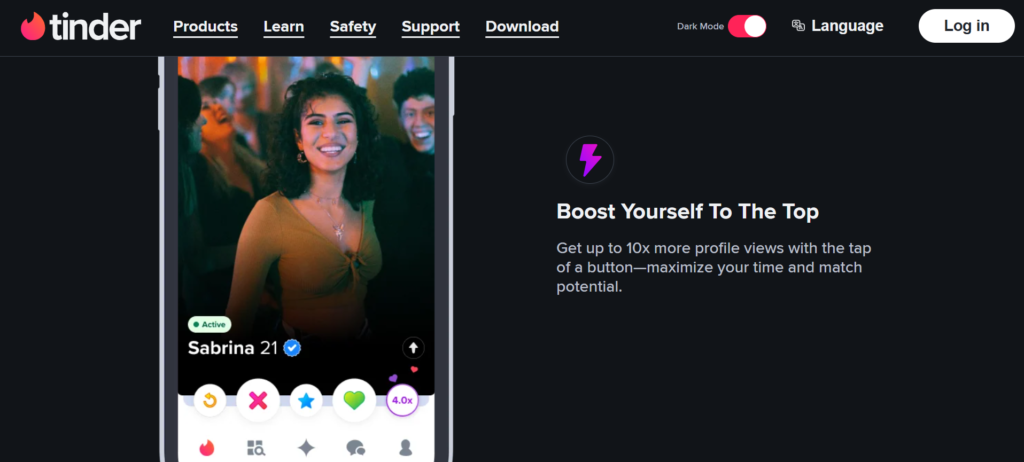
We also really loved that navigation is intuitive, with clear icons for main features. The flame Tinder logo takes you home, the star icon lets you see matches, the message bubble shows conversations, and the profile icon leads to settings. Even first-time users can orient themselves immediately.
The design works less well for accessibility. Small text, gesture-heavy interaction, and visual-first presentation create challenges for users with vision impairments or motor control issues. Tinder has made improvements, but lags behind competitors in accessibility features.
Loading speeds are generally excellent, and the app rarely crashes or bugs out. Given the volume of data being processed: millions of swipes, photos, and matches, the technical performance is impressive.
Experience Tinder’s interface yourself and see how the design shapes your dating behavior.
Tinder is mobile-native, as the entire experience was designed for smartphones, and it shows. The app is optimized for one-handed use, quick sessions, and the types of activities people do on their phones: filling time while commuting, browsing during breaks, or scrolling through TikTok before bed.
Performance is generally strong across iOS, Android, and HMS platforms. The app loads quickly, swipes feel responsive, and photos render without significant lag even on moderate phone connections.
Data usage is moderate. Tinder compresses images to balance quality with bandwidth, meaning you can use the app on cellular data without immediately consuming your monthly allotment. However, if you’re somewhere with expensive or limited data, downloading the app and using it frequently will create noticeable usage.
The app requires location permissions to function properly, which raises privacy considerations for some users. You can’t use Tinder effectively without sharing your location, though premium users can use Passport to set a different location than their actual one.
There’s an offline functionality, though it’s pretty minimal. If you lose connection, you can browse profiles you’ve already loaded but can’t swipe on new ones, send messages, or refresh your stack. This is inherent to the real-time nature of the service but can be frustrating in areas with spotty coverage.
The web version (tinder.com) replicates the core swiping and messaging experience on desktop browsers. However, it feels like an afterthought compared to the mobile experience. The gestures that work intuitively on touchscreens translate awkwardly to mouse clicks, and the larger screen doesn’t really enhance the experience since profiles weren’t designed for desktop viewing.
Sign up for Tinder and download the app to experience the mobile-first approach that revolutionized online dating.
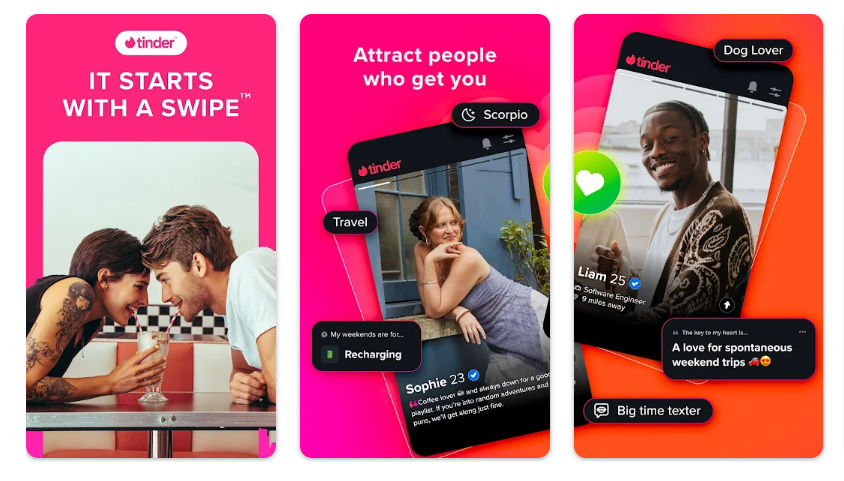
You’ll definitely appreciate that getting started with Tinder is straightforward. But don’t be deceived by the app’s simplicity; optimizing your profile for actual results requires more effort.
Install Tinder (app) from the App Store or Google Play. You can sign up using your phone number, Facebook account, or Apple ID.
Add at least two photos (the app requires a minimum, but we recommend 4-6 photos for better results). Write a bio that gives potential matches something to work with: humor, interests, or what you’re looking for. You can also add interests/tags from Tinder’s preset options, connect your Instagram and Spotify, include your job title and education, and complete optional profile quizzes.
Configure who you want to see by specifying gender preferences, age range, and maximum distance. You can adjust these settings anytime based on how many potential matches appear.
Tinder shows you one profile at a time. Swipe right if you’re interested, left if you’re not. You can also tap the red X (pass) or green heart (like) icons if you prefer not to swipe. Tapping the blue star sends a Super Like, which notifies the other person you’re especially interested.
A match occurs when you’ve both swiped right on each other. Tinder notifies you with an “It’s a Match!” screen showing both profiles. Now you can message each other through the app.
If conversation flows well, suggest meeting in person. Coffee, drinks, or casual activities work well for first dates. Meet in public places, let someone know where you’re going, and trust your instincts about safety.
After meeting, decide if you want to continue seeing this person. If not, you can unmatch them in the app and return to swiping. If things go well, you can continue dating and eventually delete the app together (the dream outcome).
Start your Tinder journey today and put these tips into practice.
The swipe interface is the foundation of everything. Swipe right to like, left to pass. This mechanic is so intuitive that it’s become the standard for not just dating apps but numerous other applications across different industries. The physical gesture creates engagement, and the simplicity removes barriers to action.
Tinder employs location-based matching. The platform uses your phone’s GPS to show you people nearby, with adjustable distance ranges typically from 2 miles to 100 miles. This proximity focus increases the likelihood that matches can actually meet in person rather than just messaging across the country.
Profile building: Users can add up to 9 photos, write a 500-character bio, include work and education info, set relationship goals, add interests from preset tags, connect Spotify to show music taste, and link Instagram to display additional photos.
Photo verification: To reduce catfishing and fake profiles, Tinder offers optional photo verification. Users take real-time selfies mimicking specific poses, which Tinder’s AI compares to profile photos.
Profile quizzes and prompts: Tinder has added personality quizzes (Myers-Briggs style) and conversation prompt questions you can answer to give matches more talking points.
Once matched, users can exchange text messages within the app. Either person can message first (unlike Bumble, where women must initiate). We also appreciated that messages remain private between the two users.
We do understand that starting conversations can be challenging. One thing we are sure of is that effective Tinder opening lines reference something specific from their profile, ask interesting questions, use appropriate humor, or make relevant observations.
Tinder’s algorithm has evolved beyond simple location and preferences. The system analyzes your swiping patterns, who swipes right on you, who you match with, who you message, and how long conversations last. It uses this behavioral data to predict who you’re likely to be interested in and who’s likely to be interested in you, adjusting who appears in your stack accordingly.
Try Tinder’s features today and see how the platform’s tools can enhance your dating experience.
Tinder occasionally offers Tinder promo codes and limited-time discounts, though they’re less common than on some competing platforms. Here’s how to potentially save money:
Free Plan: Many people wonder whether there’s a Tinder free trial. The truth is, the basic Tinder experience is the free trial, and it’s actually permanent. You can download the app, create a profile, swipe, match, and message matched users indefinitely without paying anything. However, the free version comes with limitations such as a daily swipe limit (you can only like 100 profiles in 12 hours), no seeing who liked you, no rewinds, limited super likes, Ads, and you’re stuck swiping in your current location.
| Plan | Price | Duration |
|---|---|---|
| Tinder Plus | $24.99 | Month |
| Tinder Gold | $39.99 | Month |
| Tinder Platinum | $49.99 | Month |
Tinder Select is a premium membership that offers exclusive features designed to provide “the most exceptional connections.” It’s not available to the general public; Tinder issues invitations to highly active users who meet specific criteria.
Tinder select features include:
To qualify for Tinder Select, your profile must meet the “5-point Select Screen”:
However, meeting these criteria doesn’t guarantee access. Tinder evaluates users’ past behavior within the app and overall engagement levels.
Here’s how to cancel Tinder Gold, Plus, and Platinum:
For iOS users:
For Android users:
For web subscribers:
Note: Canceling stops future charges but doesn’t refund the current billing period. You’ll retain premium features until the period ends.
Ready to try Tinder’s premium features? Sign up and explore what the paid subscriptions can offer your dating experience.
We encountered many users asking, “Is Tinder a scam?” No. Tinder itself is a legitimate business operated by Match Group, a publicly-traded company (NASDAQ: MTCH) that owns numerous reputable dating platforms. The company has been operating since 2012 and has facilitated millions of genuine connections and relationships.
Tinder can be reasonably safe if you use common sense and take appropriate precautions, but no online dating platform is completely risk-free.
However, safety concerns exist. You may encounter criminals creating fake profiles, building emotional connections with victims, and eventually requesting money for fabricated emergencies or opportunities. Others misrepresent themselves with fake photos, false information, or entirely fictional personas.
We did love that Tinder empolys safety features such as enhanced photo and ID verification, face check technology, blocking and reporting, and profile controls.
Tinder support receives mixed reviews. The platform doesn’t offer live customer service, which frustrates users dealing with urgent issues like account lockouts or fraudulent charges.
To contact Tinder support: Open the Tinder app – Go to settings – Scroll to “Contact” – Select your issue category from the menu and fill out the support request form with specific details. You can also reach support by facsimile at 214-853-4309 for technical and app-related issues.
Yes, you can permanently delete Tinder account anytime. This is different from just logging out or pausing your account; deletion is permanent and irreversible. After deleting your account, your profile, matches, and messages will permanently disappear. You’ll also no longer appear in anyone’s swipe stack. The good thing is that you can later create a new account using the same phone number or Facebook account, but you’ll start fresh with no history.
Start swiping on Tinder today while keeping your safety in mind.
Tinder’s massive user base generates extensive feedback, revealing both strengths and persistent complaints.
Most users praise Tinder’s intuitive interface. The large user base also impresses users, particularly in urban areas. Other users appreciate the success stories, flexibility of purpose, and the discovery features such as Explore hubs and interest-based filtering.
Many users, especially men, report poor quality matches. Most guys also complain about gender imbalances. We also came across complaints around algorithm opacity and constant upselling. Other users criticize ghosting, fake profiles, and shallow interactions.
Tinder remains one of the most effective tools for expanding your dating pool and creating opportunities to meet people you’d never encounter otherwise.
However, whether those opportunities convert to meaningful connections depends on factors beyond the platform: your communication skills, realistic expectations, profile presentation, and simple luck.
Join Tinder today and see if you become one of the success stories.
A good Tinder profile should use 4-6 high-quality images and a 3-5 sentence honest bio with specific details about your personality, interests, and what you’re after.
Tinder Gold cost varies by location, age, and device, but approximate costs are $39.99/month for a one-month subscription, or around $23.33/month if you commit to six months.
Red flags for fake profiles include: only one or two photos, extremely generic or minimal bios, and refusal to video chat or meet in person. Immediate attempts to move the conversation off Tinder to email or other platforms, as well as requests for money, also signal fake profiles.
Yes, but with limitations. Tinder allows users to share photos through their messaging feature, but it’s not as straightforward as sending images in regular texting apps.
Tinder Platinum price is approximately $49.99 per month for a one-month subscription, or around $29.99/month with a six-month commitment.
After analyzing every aspect of the dating app, we come back to the ultimate question: Is Tinder worth it? Well, there’s no universal answer to that, as the tool works well for some, while also giving others a dose of frustration.
Tinder remains the most recognizable name in dating apps for good reason. It’s genuinely helped millions of people connect, and its massive user base creates opportunities unavailable on smaller platforms. The interface is polished, the features continue evolving, and the flexibility accommodates diverse dating goals.
But the dating site isn’t perfect. The gender imbalance creates wildly different experiences for men and women. The algorithm’s opacity frustrates users who feel invisible and premium pricing has gotten aggressive.
Ultimately, Tinder delivers what it promises: easy access to a large pool of potential dates in your area. Whether that translates to the connection you’re looking for depends on factors beyond the platform’s control. But if you’re curious about modern mobile dating, there’s no avoiding the app that defined the category.
Ready to give it a try? Sign up for Tinder today and see if the world’s most popular dating app works for you.
Ready to get started?
Visit Site Now
Marriage Science write about dating, marriage, prenups, and relationships. No one pays us for a good review. We sign up for the apps ourselves, use them properly, and then say what we found. Every statistic links to the original source.
If a relationship, a date, or an online contact has left you unsafe, scammed, or in crisis, these organizations help for free and confidentially.
Marriage Science provides independent relationship, legal, and dating information for general informational purposes only. It does not constitute legal, medical, or mental health advice. This site contains affiliate links and we may earn a commission from qualifying purchases at no extra cost to you. Compensation may influence which products appear on the site and where, but never our ratings or editorial opinions, which are our own. © 2026 Marriage Science. All rights reserved.